Minecraft PC IP: play.cubecraft.net

This discussion focuses on Skyblock, try to stay on topic!

HoppyFrog

Dedicated Member
Jun 5, 2023
470
1,770
169
da swamp
Do you mean the Skyblock Shop (villager)? If so, you first have to make sure you have a shop to place. You can do this by dismantling a shop by interacting with it then selecting "Dismantle Shop". Then, go to wherever on your island you want to place the shop, then navigate to the Skyblock Island Menu (last slot in your inventory) and select "Place Shop".
 

tbnrxander12

Member
Nov 22, 2024
13
7
4
43
Do you mean the Skyblock Shop (villager)? If so, you first have to make sure you have a shop to place. You can do this by dismantling a shop by interacting with it then selecting "Dismantle Shop". Then, go to wherever on your island you want to place the shop, then navigate to the Skyblock Island Menu (last slot in your inventory) and select "Place Shop".
i dont have a skyblock island menu need photo? @HoppyFrog
 

HoppyFrog

Dedicated Member
Jun 5, 2023
470
1,770
169
da swamp
i dont have a skyblock island menu need photo? @HoppyFrog

Make sure that you're inside the Skyblock gamemode first. Then, in the ninth slot of your inventory there should be an item that looks like a piece of paper with a tree in the corner. That's the Skyblock menu.

If it is not there, here's what you need to do: go onto your Skyblock island and interact with the Skyblock shop. Choose the "Player Settings" option (7th option). Then toggle on the "Hotbar Item" option. Make sure the last slot in your inventory is empty before doing this though.

Hopefully this works 🙂
 

tbnrxander12

Member
Nov 22, 2024
13
7
4
43
Make sure that you're inside the Skyblock gamemode first. Then, in the ninth slot of your inventory there should be an item that looks like a piece of paper with a tree in the corner. That's the Skyblock menu.

If it is not there, here's what you need to do: go onto your Skyblock island and interact with the Skyblock shop. Choose the "Player Settings" option (7th option). Then toggle on the "Hotbar Item" option. Make sure the last slot in your inventory is empty before doing this though.

Hopefully this works 🙂
OMG TYSM
 
  • Like
Reactions: HoppyFrog
Members Online

Latest profile posts

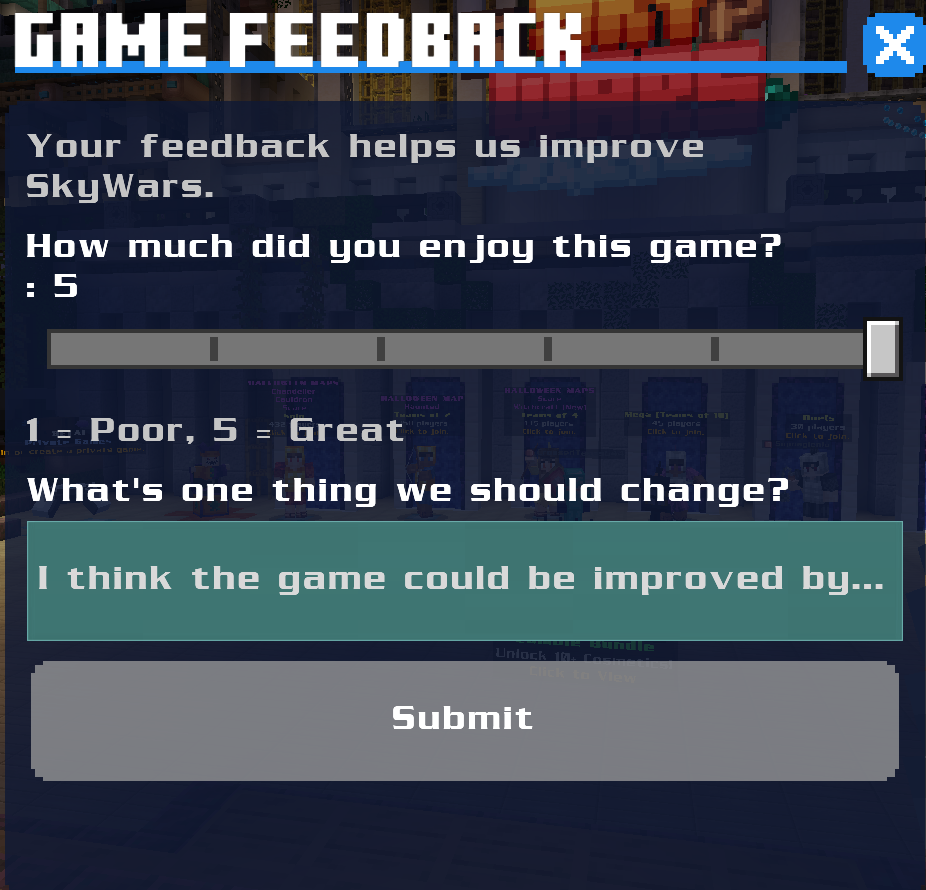
NEWS: CubeCraft added a feedback button that you have a chance to get at the end of your matches!
1793489144162.png
Kazwa wrote on TruePenguin's profile.
Happy birthday! 🍰 🐧
Trick or treat! 🎃 Happy Halloween y'all! 👻

Really got some throwback memories today, back to when we were hosting an Ender Paper giveaway, it was so much fun 🥰
hamwody wrote on Capitan's profile.
Capita do you play on CubeCraft
hamwody wrote on S4nne's profile.
❤️
Top Bottom